
Set Up a Custom Domain
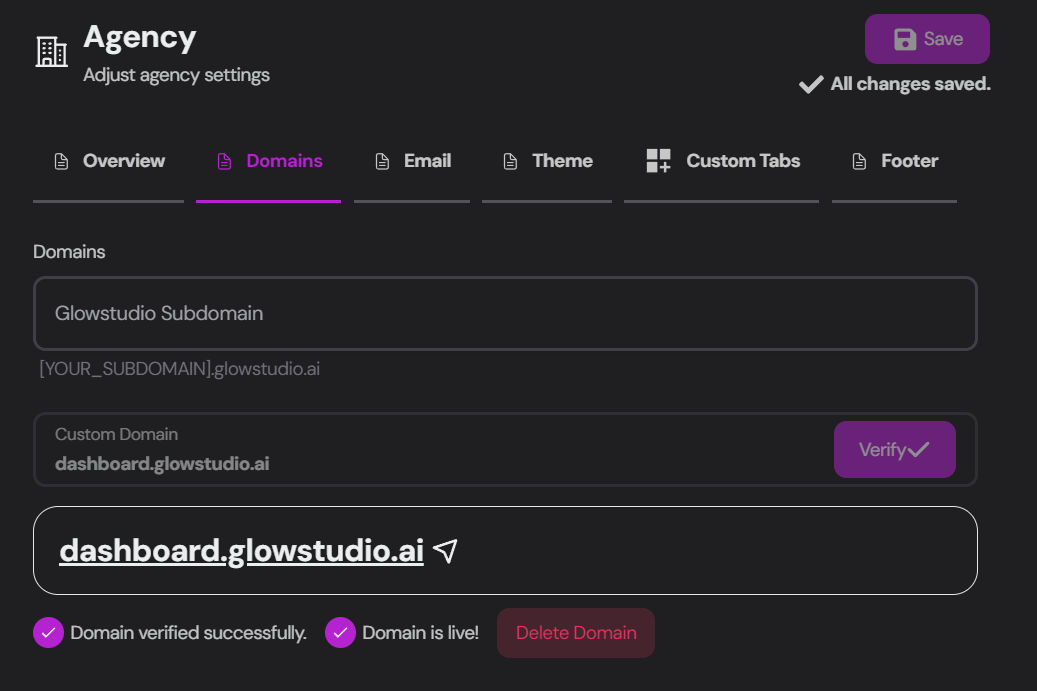
Domain Setup Options
You have two options for setting up your domain:Convocore Agent Subdomain
Connect to a Convocore domain (e.g., youragency.convocore.ai)
Custom Domain
Use a custom domain that you’ve set up yourself
Using a Convocore Subdomain
1
Enter Desired Name
Type your desired subdomain name in the provided field.
2
Automatic Creation
Convocore will automatically create a new subdomain for you.
3
Verification
Wait for the
Domain verified successfully and Domain is live messages to confirm success.Domain is Live
If everything is done correctly, your domain should be live. If you run into trouble, contact us at support@convocore.ai.
Using Your Own Custom Domain
For a truly personalized brand experience, use a subdomain of your existing domain (e.g., dashboard.youragency.com, chat.youragency.com, or agentportal.youragency.com).1
Enter Domain
Input your chosen domain in the designated field.
2
DNS Check
The DNS checking tool will automatically verify if your domain has the necessary records.
3
Add DNS Records
Add the following records to your domain provider:
CNAME Record
CNAME Record
TXT Record
TXT Record
4
Verification
Wait for the DNS checker to update and display checkmarks for
Domain verified successfully and Domain is live.Domain is Live
If everything is done correctly, your domain should be live. If you run into trouble, contact us at support@convocore.ai.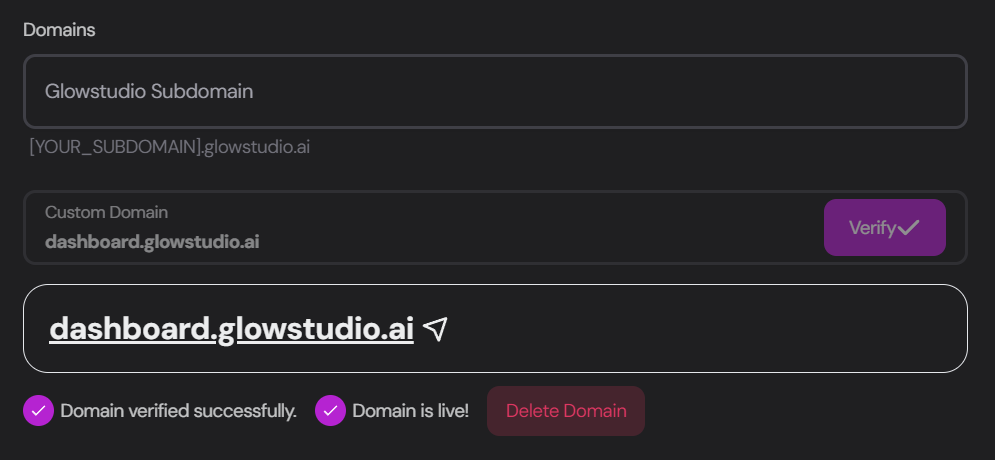
After Domain Setup
Once your domain is successfully set up:Access Client Management
Adding your domain unlocks the Clients tab so you can create organizations and manage their agents.
Calendly / OAuth integrations
For Calendly (and other BYO OAuth apps), register Redirect URI on this custom domain
(e.g.
https://app.youragency.com/api/calendly/callback) — not the platform host. See
Whitelabeled Integrations and
Calendly setup.