
⚙️ Enable Web Calling
The Web Calling feature allows voice calls directly from the widget.- Go to the Advanced & Settings tab in the Voice Setup dashboard.
- Toggle Enable Web Calling to turn this feature ON.
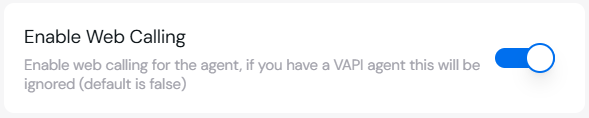
Note: If you’re using a VAPI agent, this setting will be ignored.
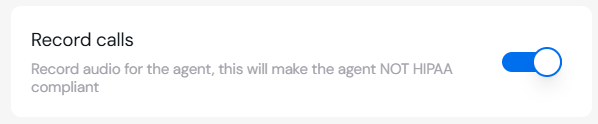
🎙 Record Calls
Enable call recording for monitoring and analysis:- Toggle Record Calls to ON.
- This will store audio recordings of voice calls.
Warning: Enabling call recording will make the agent NOT HIPAA compliant.
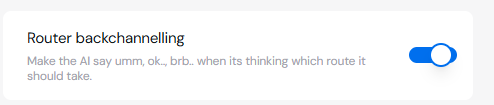
🔄 Router Backchanneling
The Router Backchanneling feature makes the AI provide filler phrases (like “umm,” “ok,” “brb…”) while deciding which response route to take.- Toggle Router Backchanneling to ON to enable this feature.
- Use this to create a more human-like voice experience when the AI is “thinking.”\
🔗 Server Configuration
You can configure your webhook server to receive live call updates.Server URL
- Input the Server URL where webhook POST events will be sent.
- Example:
https://your-server-url.com
Server URL Secret
- Set a Server URL Secret that will be appended to the request as a Bearer Token.
- Example:

📝 Summary of Settings
🚦 Troubleshooting
-
Web Calls Not Working?
- Verify that Web Calling is enabled and properly configured.
- Ensure your server URL is correct and active.
-
Recording Issues?
- Check your storage and verify the Record Calls toggle is ON.
🔗 Next Steps
Setup Web Calling
Learn how to enable web-based calls in your widget.
Speech Generation
Configure natural-sounding voice responses.