> ## Documentation Index
> Fetch the complete documentation index at: https://docs.convocore.ai/llms.txt
> Use this file to discover all available pages before exploring further.
# Introduction
> Learn what Convocore is, what you can build with it, and where to start.
# Build AI agents with Convocore
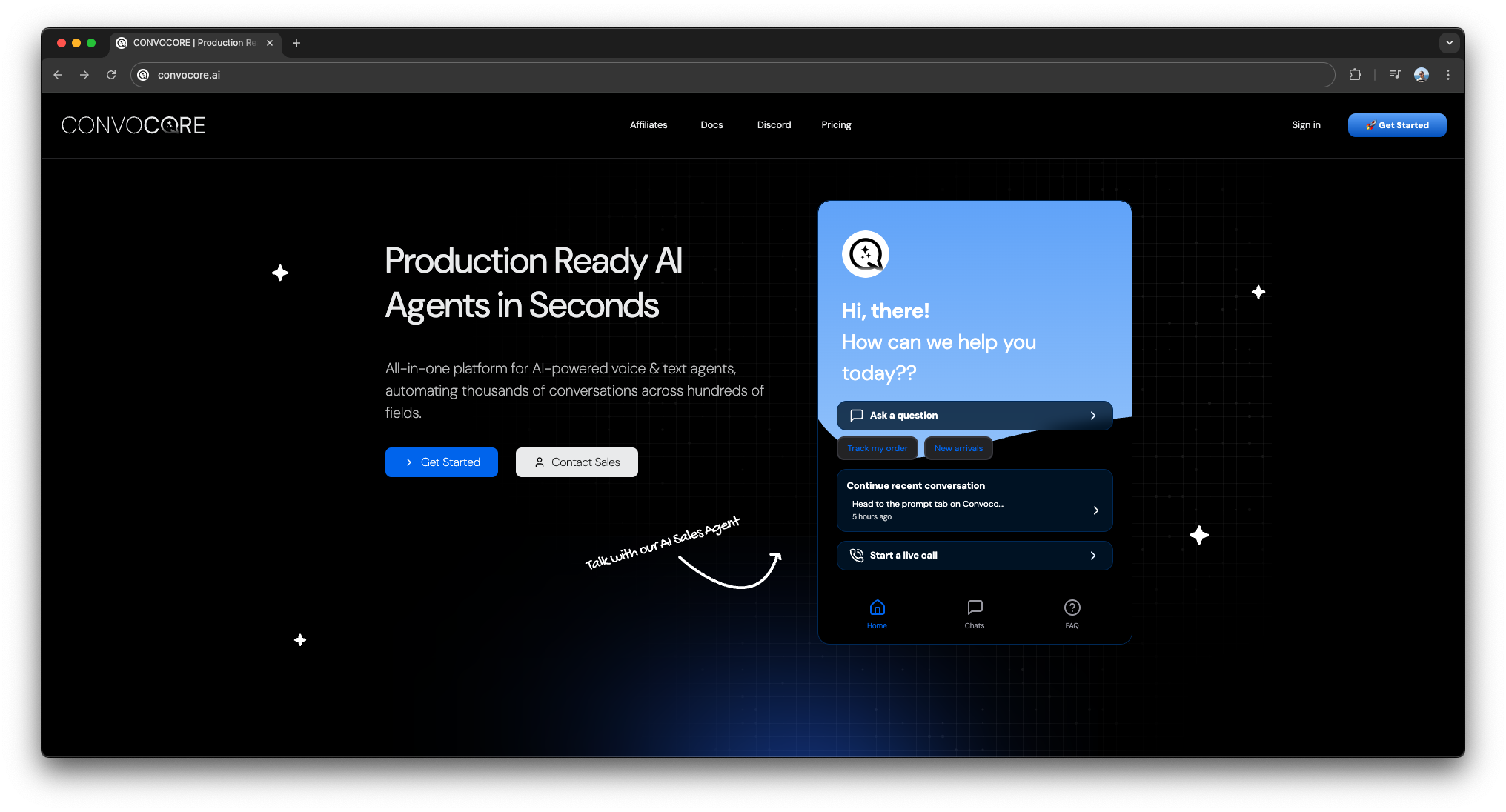
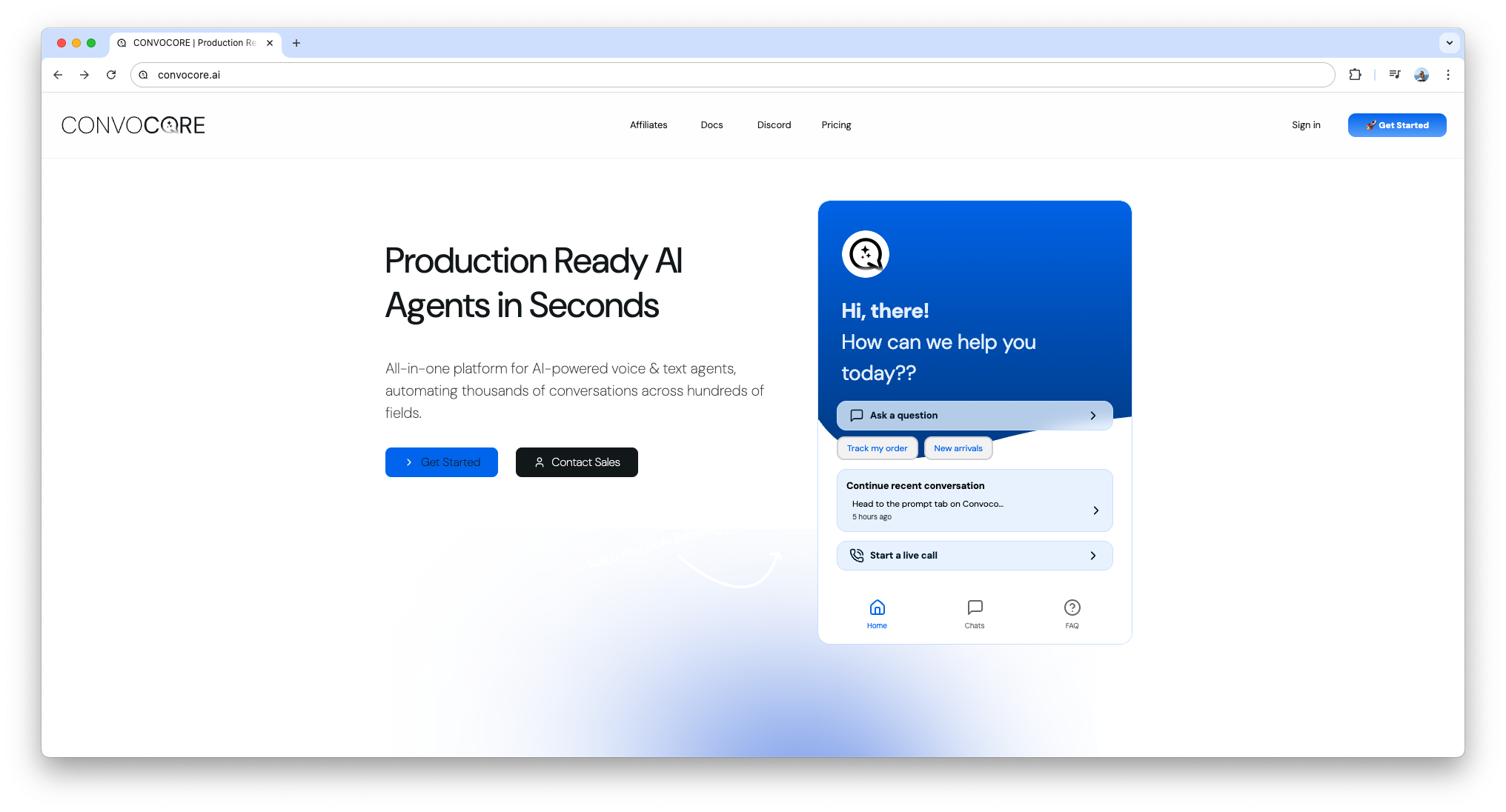
Convocore helps you create, test, deploy, and manage AI agents across web, voice, WhatsApp, social channels, and client workspaces from one platform.
Whether you are building for your own business or running an agency, the platform is designed to cover the full workflow:
* Create an agent and define its behavior
* Add knowledge, tools, variables, and flows
* Test the experience before going live
* Deploy to websites, voice, and messaging channels
* Track conversations, analytics, leads, and handoffs
* Resell the experience through whitelabel and client dashboards
 Need a text version of the docs for your own AI system or internal search? Use [docs.convocore.ai/llms-full.txt](https://docs.convocore.ai/llms-full.txt).
## Start here
Get the product overview, from agent creation to deployment and monitoring.
Understand the best-fit use cases, tradeoffs, and where Convocore is strongest.
Start with agent creation, prompts, knowledge base setup, and core configuration.
Put your agent on a website, app, or customer workflow using the available deployment options.
## Common paths
Learn how web calling, Twilio, SIP trunking, transcribers, and speech generation work.
Build structured agent flows with nodes, conditions, tools, and variables.
Use Bearer-authenticated REST endpoints to manage workspaces, agents, tools, KB docs, and conversations.
Set up your branded dashboard, client organizations, billing, and embeddable pricing.
## Get support
Ask questions, share builds, and get help from the Convocore team and community.
Contact the support team directly for account, billing, or implementation questions.
Need a text version of the docs for your own AI system or internal search? Use [docs.convocore.ai/llms-full.txt](https://docs.convocore.ai/llms-full.txt).
## Start here
Get the product overview, from agent creation to deployment and monitoring.
Understand the best-fit use cases, tradeoffs, and where Convocore is strongest.
Start with agent creation, prompts, knowledge base setup, and core configuration.
Put your agent on a website, app, or customer workflow using the available deployment options.
## Common paths
Learn how web calling, Twilio, SIP trunking, transcribers, and speech generation work.
Build structured agent flows with nodes, conditions, tools, and variables.
Use Bearer-authenticated REST endpoints to manage workspaces, agents, tools, KB docs, and conversations.
Set up your branded dashboard, client organizations, billing, and embeddable pricing.
## Get support
Ask questions, share builds, and get help from the Convocore team and community.
Contact the support team directly for account, billing, or implementation questions.