> ## Documentation Index
> Fetch the complete documentation index at: https://docs.convocore.ai/llms.txt
> Use this file to discover all available pages before exploring further.
# File upload
File upload is ideal for bulk uploading various document formats to populate your knowledge base.
* Supports multiple formats: .txt, .pdf, .docx, .doc, .csv, .xlsx.
* Ideal for adding large amounts of data quickly.
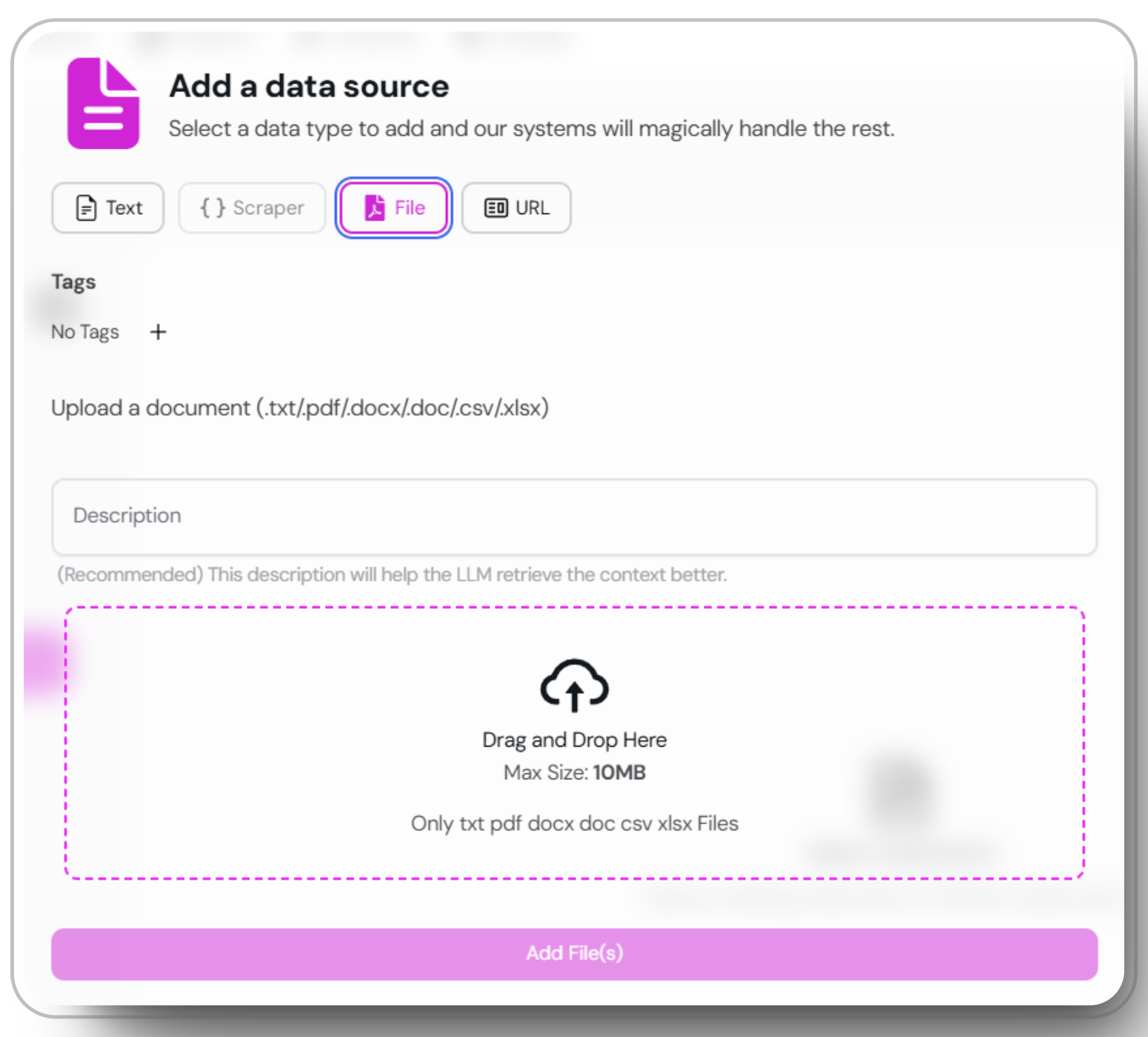
Open the `add data source` window and choose the "File" option.
Select the documents you want to upload from your local system. Supported formats include .txt, .pdf, .docx, .doc, .csv, and .xlsx.
Click the upload button to add your selected documents to the knowledge base.
 Ensure your files are well-formatted and free of errors to maintain optimal knowledge base performance.