> ## Documentation Index
> Fetch the complete documentation index at: https://docs.convocore.ai/llms.txt
> Use this file to discover all available pages before exploring further.
# URL scraper
URL scraping is a powerful tool for automatically extracting data from websites to populate your knowledge base.
* Automatically extracts data from websites.
* Ensures relevant and updated content.
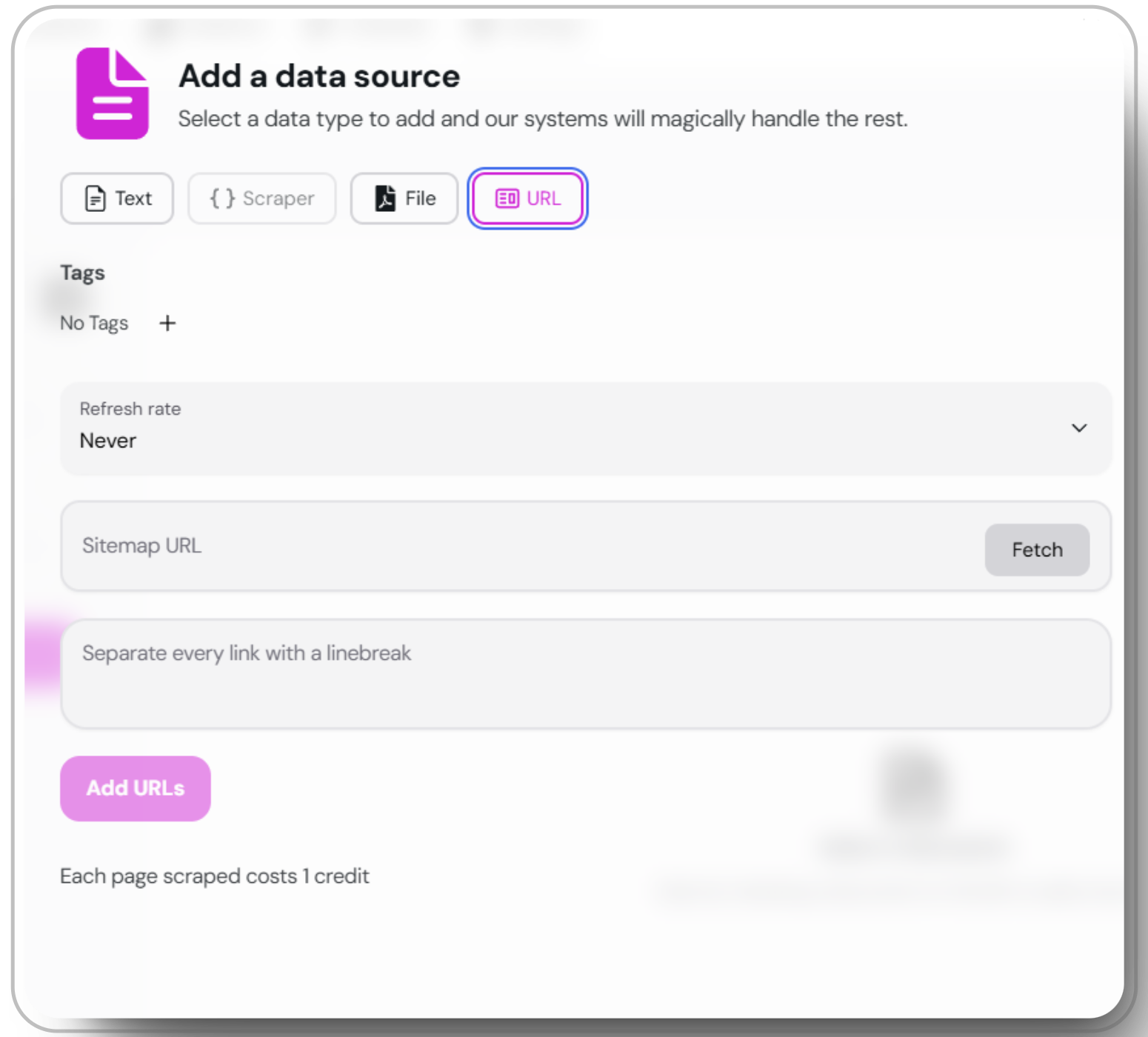
Open the `add data source` window and choose the "URL" option.
Input the URL or sitemap you want to scrape. Press `fetch` to retrieve and review the sitemap from the XML file.
Once the URLs are fetched, scrape the data and save it as individual documents. Scroll through and remove any unwanted information to ensure relevance.
 Using the URL scraper will use X credits per page. Please ensure your account has sufficient credits.
Regularly check the extracted data for relevance and accuracy to maintain a high-quality knowledge base.
Using the URL scraper will use X credits per page. Please ensure your account has sufficient credits.
Regularly check the extracted data for relevance and accuracy to maintain a high-quality knowledge base.